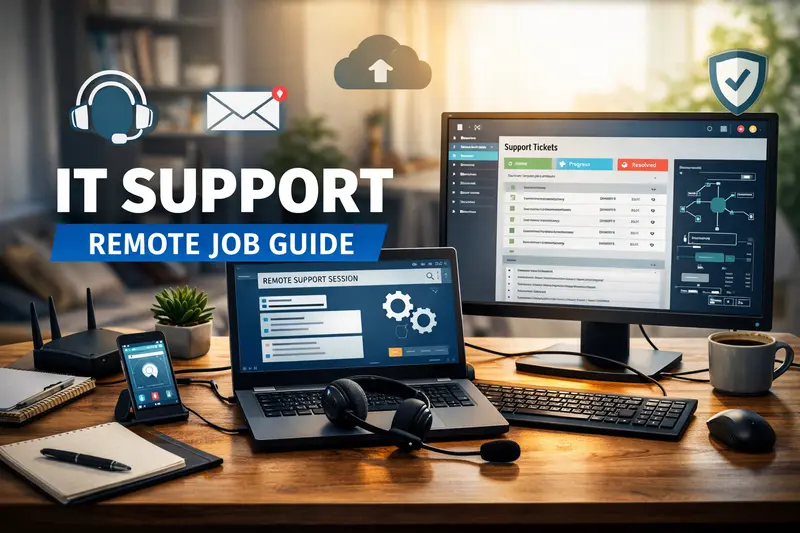

Remote IT support jobs are often seen as one of the most realistic ways to break into remote tech work without needing to be a programmer. From what I’ve seen over the years helping friends and family navigate job changes, this role sits right in the middle: technical enough to be valuable, but practical enough for people who like solving problems more than writing code all day.
This guide is for anyone considering remote IT support, including career changers, parents looking for stable work-from-home options, recent graduates, or even people already in office-based IT roles who want to go remote. It’s also for people who keep hearing “just get into tech” and want something more concrete than vague advice.
Remote IT support is not always glamorous. You’ll deal with frustrated users, repetitive issues, and strict processes. But it’s also one of the most accessible remote tech jobs, with real demand, clear skill paths, and opportunities to grow into higher-paying roles over time.
Let’s break it down honestly, without hype or unrealistic promises.
What Is a Remote IT Support Job?
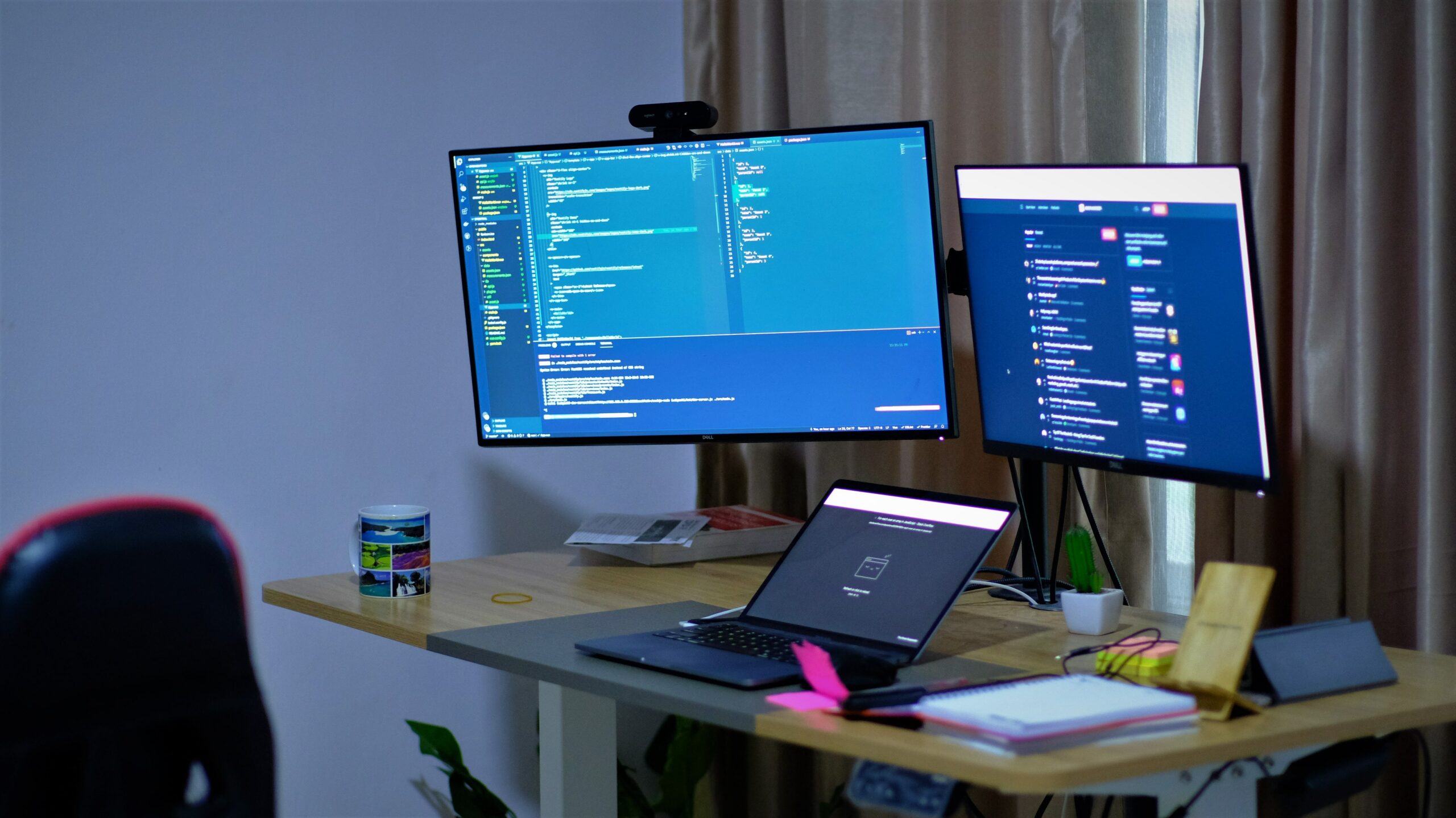
Remote IT support professionals help users solve technical problems without being physically present. Instead of walking over to someone’s desk, you’re connecting through chat, email, phone, or remote desktop tools.
In real situations, this usually means supporting one of the following:
- Employees inside a company (internal IT support)
- Customers using a company’s software or hardware
- Clients of a managed service provider (MSP)
Common job titles include:
- IT Support Specialist
- Help Desk Technician
- Service Desk Analyst
- Technical Support Engineer (entry to mid-level)
People often assume IT support is just “resetting passwords.” That does happen, but the role is broader. I’ve watched a buddy move from basic help desk work into cloud administration simply because he learned how systems actually work while fixing them daily.
Remote IT support is less about memorizing fixes and more about thinking logically, following processes, and communicating clearly under pressure.
What Does Remote IT Support Look Like Day to Day?

A typical day depends heavily on the company, but most remote IT support roles follow a ticket-based system.
You might start your shift by:
- Logging into a ticketing platform
- Checking assigned issues
- Joining a team chat or daily stand-up call
Your tasks could include:
- Troubleshooting login or access problems
- Fixing email, VPN, or software issues
- Guiding users through system setups
- Escalating complex issues to higher-level teams
- Documenting solutions so others can reuse them
One thing people don’t realize until they’re in the job is how important documentation is. I’ve seen beginners struggle not because they couldn’t fix problems, but because they didn’t explain what they did clearly in the ticket notes.
Remote work adds another layer. You’ll rely heavily on written communication, screen sharing, and patience. You can’t just point at a cable or keyboard. You have to explain things simply to people with very different levels of technical comfort.
Skills and Requirements for Remote IT Support

Must-Have Skills
These are non-negotiable for most remote IT support roles:
- Basic understanding of operating systems (Windows and macOS especially)
- Familiarity with common software (email, browsers, office tools)
- Strong troubleshooting mindset
- Clear written and verbal communication
- Comfort using ticketing systems and remote tools
You don’t need to know everything, but you do need to know how to find answers and apply them calmly.
Nice-to-Have Skills
These can help you stand out or grow faster:
- Knowledge of networking basics (DNS, IP addresses, VPNs)
- Experience with cloud tools or SaaS platforms
- Scripting basics (even light PowerShell or Bash)
- Customer service or call center experience
I’ve seen people underestimate how valuable customer service experience is. A family member of mine moved into IT support from retail because she already knew how to deal with frustrated people. The tech part came later.
How Beginners Usually Get Started Step by Step
Breaking into remote IT support is possible, but it usually takes deliberate steps.
Step 1: Build Core Technical Knowledge
Start with fundamentals:
- How operating systems work
- Common hardware and software issues
- Basic networking concepts
Free resources, labs, and beginner certifications can help structure this learning.
Step 2: Practice Real Scenarios
Set up a home lab:
- Install different operating systems
- Practice user account management
- Break things on purpose and fix them
People often skip this and struggle in interviews when asked practical questions.
Step 3: Get Some Form of Experience
This can be:
- Entry-level office IT roles
- Internships
- Volunteer tech support
- Freelance or contract support work
Remote-only roles are competitive, so any hands-on experience helps.
Step 4: Apply Strategically
Focus on:
- Remote-first companies
- Global or distributed teams
- Support roles with clear training programs
One mistake I’ve seen is applying only to “fully remote” roles without considering hybrid or temporary contracts that later turn remote.
Common Mistakes and Real Risks to Know About
Remote IT support isn’t risk-free.
Common issues include:
- Burnout from high ticket volume
- Rigid monitoring and performance metrics
- Limited growth in poorly structured teams
- Time zone challenges
I’ve watched a friend leave a remote IT support job because every minute was tracked. Remote doesn’t always mean flexible.
Another mistake is staying too long in a role without learning new skills. Some people get comfortable, then find themselves stuck when they want to move up.
Realistic Expectations for Pay and Growth
Pay varies widely based on:
- Country and cost of living
- Experience level
- Industry and company size
- Shift type (night or weekend support often pays more)
Entry-level remote IT support generally pays modestly, especially at first. It’s not a fast-money role. What it offers instead is:
- Stability
- Skill-building
- Clear pathways to higher roles like systems admin, security, or cloud support
People who treat IT support as a learning platform tend to do better long-term than those who see it as a final destination.
Practical Tips From Real Experience
From what I’ve seen work in real situations:
- Write everything down. Notes save time and protect you.
- Learn how things connect, not just how to fix them.
- Ask smart questions, but don’t ask the same one twice.
- Keep a personal log of problems you’ve solved.
- Use downtime to learn, not just wait for tickets.
One colleague I knew kept a private “fix journal.” Within a year, he was mentoring new hires because he could explain problems clearly and confidently.
Frequently Asked Questions
Can I get a remote IT support job with no experience?
It’s possible, but not easy. Most people start with some form of hands-on exposure, even if it’s informal. Employers want proof that you can troubleshoot calmly and communicate clearly. Certifications and labs help, but real practice matters more.
Do I need a degree to work in remote IT support?
A degree is not always required. Many remote IT support professionals come from non-traditional backgrounds. Skills, experience, and problem-solving ability often matter more than formal education, especially for entry-level roles.
Is remote IT support stressful?
It can be. High ticket volume, difficult users, and strict performance metrics are common. That said, good companies balance workload and provide training. Stress often depends more on management than the work itself.
What hours do remote IT support jobs usually require?
Many roles follow set shifts, especially for global companies. Some offer flexible schedules, while others require nights or weekends. Always check time zone expectations before accepting a role.
Can remote IT support lead to higher-paying tech jobs?
Yes, if you actively build skills. Many people move into system administration, cybersecurity, or cloud roles after gaining experience. The key is continuous learning, not just doing the minimum.
Honest Final Thoughts………..
Remote IT support is one of the most practical ways to enter remote tech work, but it’s not a shortcut. It requires patience, discipline, and a willingness to learn under pressure. I’ve seen people thrive in it and others burn out quickly.
If you enjoy solving problems, explaining things clearly, and improving systems over time, this path can open real doors. Just go in with open eyes, realistic expectations, and a plan to keep growing.